
How do I update the information in my Dynamic customer account?Updated a month ago
We are happy to assist with instructions on how to edit your Dynamic customer account.
1. Login into your Dynamic account.

2. Fill in the verification code you have received in your email.
3. Click on your initials in the top right of your screen to edit your profile, settings or to sign out again.
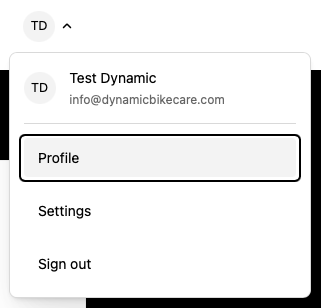 4. In your profile you can change your email address and shipping/invoice addresses.
If you have difficulties changing your information or if you want to change information in an order that is still being processed or on the way, please contact us via our chat or contact form.